How to Build an iOS App: From Idea to $30,000/Month (A Guide for NOOBS)
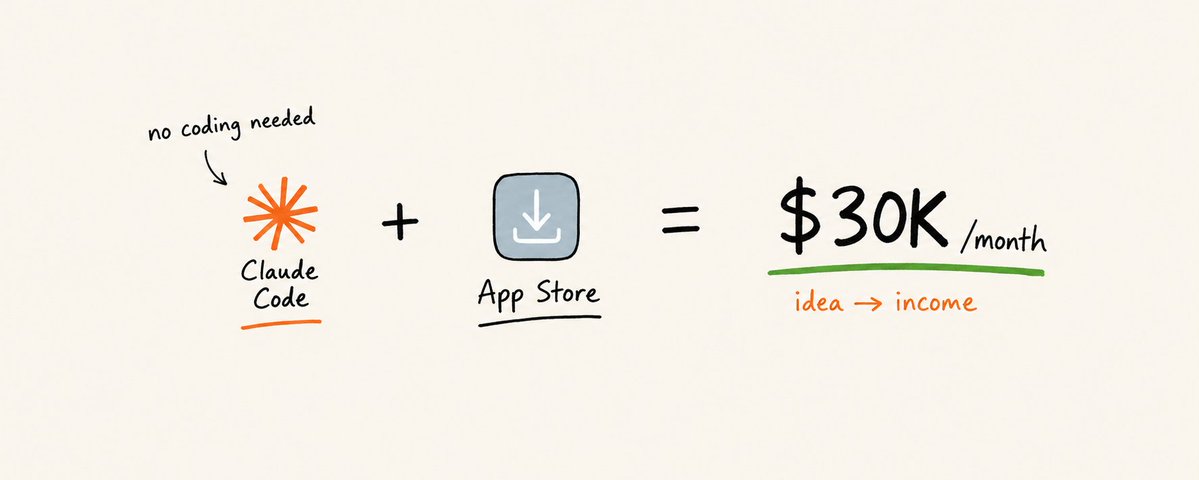
a 20-year-old NYU student named Benji has built 45 apps. one of them makes $30,000 a month right now.
another builder almost ran out of money, then spent 2 months building one simple system. that system now makes $10,000 a month.
neither of them is a "real" programmer with a computer science degree. neither of them touched a line of Swift code by hand.
this isn't a story about coding talent. this is a story about a repeatable set of steps that anyone can follow, because AI now writes the actual code.
the barrier used to be: learn to code for 2 years, or pay a developer $30,000-$80,000 to build your app for you.
that barrier is gone.
this article is the full step-by-step system, explained so simply a 5-year-old could follow the logic, with the exact prompts to copy and paste along the way.
the setup most people missed
most people think building an iPhone app requires a computer science degree, a Mac worth $2,000, and years of learning a language called Swift.
none of that is required anymore.
today you can describe your app in plain english, sentence by sentence, and a tool called Claude Code writes the actual code for you. you don't need to own a Mac either, a free cloud service builds the iPhone version for you. the only real costs are $99 a year to Apple and your time.
the people making $10,000-$30,000 a month from one app aren't smarter than you. they just followed the steps below, in order, without skipping any.

step 1 | find an idea: $0 to start
think of an app idea like a lemonade stand. you don't build a whole restaurant on day one. you sell one cup of lemonade to one person and see if they hand you money for it.
an app idea is the same thing: one small way to help one person do one thing faster on their phone.
the mistake almost everyone makes: inventing a brand-new idea nobody asked for. the better way: look at apps that already make money, and build a simpler, cleaner version.
open the App Store, go to the top charts in a category you understand (fitness, habits, finance, journaling), and read the 1-star and 2-star reviews of the top apps. those reviews are a free list of exactly what people are angry about and would pay to have fixed.
→ idea-finder prompt:
validate the idea for free = $0 build something nobody wants = 2-3 months of wasted time
mistake to avoid: building for 3 months before showing the idea to a single real person.
step 2 | design it stupidly simple: 1 core feature
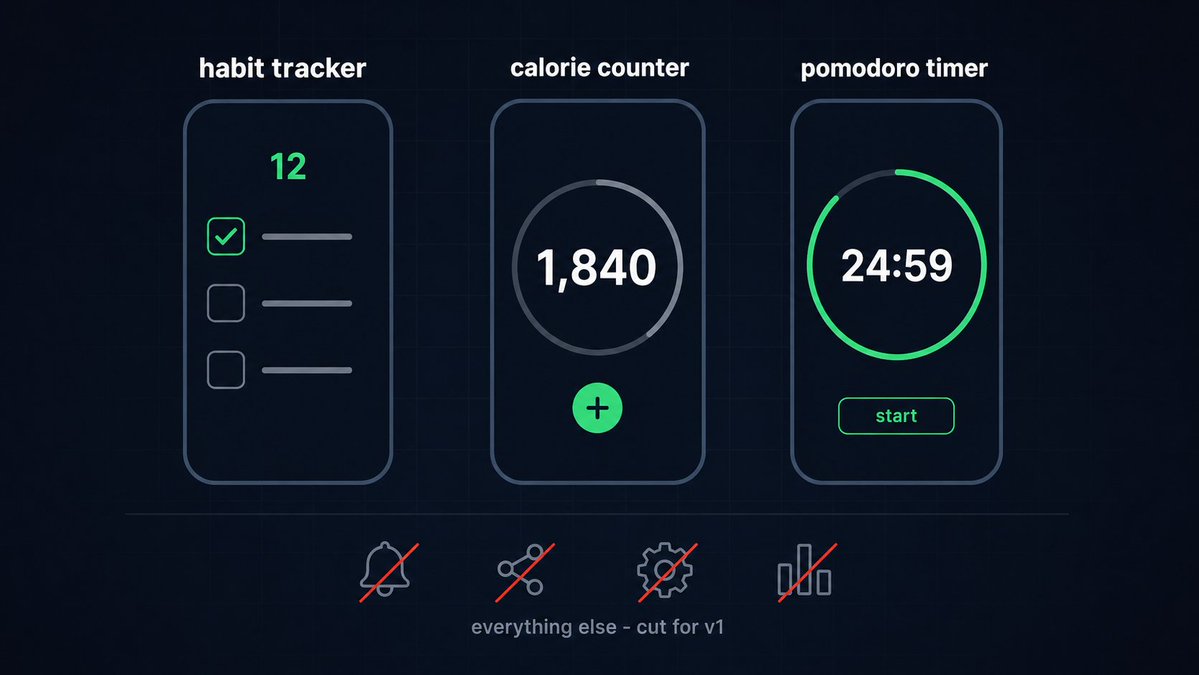
a habit tracker app, a calorie counter app, a pomodoro timer app - these are three of the simplest apps that still make real money. why? because each one does exactly one thing.
pick the one feature that solves the problem from step 1. write it down in one sentence. everything that is not that sentence gets cut for version 1.
→ app-brief prompt:
metric to watch: if your screen list is longer than 5 screens, you are building a version 2, not a version 1.

step 3 | set up your toolbox: $0-$20/month
here is what you actually need, explained simply:
Claude Code - the AI that writes your app's code while you describe it in english.
Expo / React Native - a framework that lets you write the app once and it works on both iPhone and Android. no Mac required to build the iPhone version, a free cloud service called EAS builds it for you.
Supabase - a filing cabinet in the cloud. it remembers every user's data (their login, their habit streaks, whatever your app tracks) even after they close the app.
Xcode / TestFlight - Apple's own tools for the final testing and submission step (steps 7 and 8 below).
Claude Code (subscription plan) = $20/month Expo + Supabase (free tier, enough for your first 1,000-10,000 users) = $0/month Apple Developer Program (required to publish, see step 8) = $99/year
step 4 | build it: describe, generate, test, repeat
this is the actual "vibecoding" loop, and it looks like this: you type a plain-english instruction, Claude Code writes real, working code, you open the app and look at it, then you type the next instruction.
you never touch the code directly. you talk to it like you're texting a very fast, very literal employee.
→ scaffold prompt:
→ feature-by-feature prompt (repeat this once per feature):
option 1 = build every feature yourself with no AI = weeks of learning Swift first option 2 = describe features in english to Claude Code = a working app in days
step 5 | give the app a memory: database and login
right now your app forgets everything the moment it closes. step 5 fixes that.
a database is just a filing cabinet that lives on the internet instead of on the phone. "login" just means the filing cabinet knows which drawer belongs to which person.
Supabase does both jobs, and it is free until your app has real scale.
[ INSERT SCREENSHOT - Supabase dashboard showing a users table ]
→ backend prompt:
mistake to avoid: skipping login and storing everything only on the phone. one deleted app = every user loses all their data, and every 1-star review says exactly that.
step 6 | let it collect money: subscriptions
an app without a way to charge money is a hobby, not a business.
the simplest version: a subscription paywall. the user gets a few free actions, then a screen asks them to pay $3-$10 a month to keep going.
[ INSERT SCREENSHOT - a paywall screen with a price and a "start free trial" button ]
→ paywall prompt:
$4.99/month x 500 subscribers = $2,495/month $4.99/month x 2,000 subscribers = $9,980/month $9.99/month x 3,000 subscribers = $29,970/month (roughly Benji's current app)

Apple takes a cut of every subscription: 30% in the subscriber's first year, dropping to 15% after that. under $1,000,000/year in revenue, Apple's Small Business Program charges 15% from day one instead.
step 7 | test it before strangers do
TestFlight is Apple's private testing room. you invite up to 10,000 people to try your app before it is public, and Apple lets you fix bugs before a real review happens.
skip this step and Apple's reviewers become your first bug testers, which usually ends in a rejection email instead of a launch.
[ INSERT SCREENSHOT - TestFlight app showing an invited build ]
cost to test with 10 friends first = $0, a few days cost of Apple rejecting your app on the first submission = 1-7 days of resubmission delay
tep 8 | submit to the App Store
to publish, you need an Apple Developer Program account. it costs $99/year, no exceptions, no free tier.
inside App Store Connect you fill in: the app's name, a short description, 3-10 screenshots, a privacy label (what data you collect), and the price. then you press submit, and Apple's review usually takes 24-48 hours.
[ INSERT SCREENSHOT - App Store Connect submission page ]
mistake to avoid: vague privacy answers. Apple rejects apps for this constantly, be exact about what data you collect and why.
step 9 | get your first users
nobody downloads an app that sits silently in the App Store. the fastest way real builders get first users:
UGC ads - pay a creator $50-$300 to film a normal-looking video of themselves using your app, like they're showing a friend. it doesn't look like an ad, so people don't scroll past it.
paid ads - run that same video as a TikTok or Instagram ad. budget $10-$30/day to start, watch which video gets the cheapest installs, then spend more on that one.
[ INSERT IMAGE - example UGC-style ad thumbnail ]
$20/day ad spend x 30 days = $600/month spent if each install costs $2 and 1 in 20 installs subscribes at $4.99/month, that $600 buys roughly 300 installs, 15 subscribers, and $75/month recurring, growing every month you repeat it
CONCLUSION
one idea, one core feature, Claude Code writing the actual code, Supabase remembering the data, a $4.99-$9.99/month subscription, $99/year to Apple to publish. that's the entire system behind a $10,000/month app and a $30,000/month app.
the barrier was never talent. it was needing to learn to code first. that barrier is gone now that AI writes the code while you describe the app in plain english.
the builders making $10,000-$30,000/month right now started with step 1, on an idea a lot smaller than they expected to need.
p.s. the most underrated step above is step 1. every builder who fails skips straight to step 4 with an idea nobody asked for yet.
bookmark this before it gets buried if this was useful, share it with one person who needs it Embedded post:
Author: Starter Story (@starter_story) Post ID: 2072455245091999994 Source: https://x.com/starter_story/status/2072455245091999994 Reply to: none
Text:
> An who grew his couples app from $3K to $10K MRR in under 8 months, says going viral is worthless if the comments aren't asking about your product. > > "You can go viral on social media by taking a format that's already working. But if it doesn't convert for your product, it's not worth anything." > > "When you're trying to find the right kind of content, you go on the content and you see the comments. If it's promoting a product, are people asking for the product? What's the app? Where can I find this?" > > "If they're just saying lol, or I don't agree with this, or it's just controversial, it probably might not work well for conversions."
Media:
- video:
Prompts
add this feature to the [screen name] screen: [describe exactly what it does
in one sentence, like "let the user tap a button to mark today's habit as done
and show a streak counter"].
keep every other screen exactly as it is.
i want to build a simple iOS app. act as a product researcher.
give me 10 app ideas in the [fitness / habit-tracking / personal-finance] category that:
1. solve one single, narrow problem
2. can be built as a paid subscription ($3-$10/month)
3. do not require a marketplace, two-sided network, or social feed to work
4. could realistically be built by one person in under 30 days
for each idea, explain the one core feature and who exactly would pay for it.create a new Expo (React Native) project for an iOS app called [app name].
set up navigation with these screens: [list your 3-5 screens from step 2].
use a clean, minimal design with [1-2 accent colors].
after each screen is created, show me how to preview it on my phone.add a subscription paywall to this app using [RevenueCat / Stripe].
free tier: [describe what a free user can do, e.g. "track 1 habit"].
paid tier ($[price]/month): [describe what unlocks, e.g. "unlimited habits +
streak history"].
show the paywall after the user hits the free limit, not before they've tried the app.connect this app to Supabase.
create a table called [table name, e.g. "habit_logs"] with these fields: [list 3-5 fields].
add email + password login using Supabase auth.
make sure each user can only see and edit their own data, nobody else's.i am designing a simple iOS app called [app name].
the one core feature is: [describe the single feature in one sentence].
list the minimum screens needed (aim for 3-5 screens, no more).
for each screen, describe what the user sees and the one action they can take.
do not suggest any feature outside the core one described above.Related articles

I scaled My App to 15K/Month in 2 Months (FULL GUIDE)
My apps made 18K this month at 18 years old....

How We Scaled RIZZ app to $400K/Month (Full Playbook)
it wasn't the product. it was a machine we built underneath it, and once you see how it works you'll spot it all over your feed.

How Bloom Makes $2M/Year With Its Organic-to-Paid Strategy
Bloom is a Gen Z investing app. Think Robinhood + Duolingo.