These 10 Skills Turn Claude Code Into an ENTIRE Team.

Most people are still running Claude Code raw. Every session starts from zero, they re-explain the project for the fifth time this month, and they get code that looks fine until it breaks.
Some found the skill marketplaces and went the other way. They're hoarding 300-skill libraries they never open, burning their context window on add-ons that never trigger.
And then there's a small group who installed a handful of the right ones and turned Claude Code into something that plans like a senior engineer, remembers everything, and reviews its own work before you ever see it.
The gap between those groups is not the model. Everyone has the same model. The gap is 30 minutes of setup almost nobody does.
I run an AI MVP agency at $20K MRR and every build we ship goes through Claude Code. The 2,800+ builders in my community keep asking the same question: out of the hundreds of skills out there, which ones actually matter?
This is the answer. 10 skills, every one verified, every one free to grab.
Here is the full breakdown.
What Skills Actually Are
A skill is just a markdown file. A set of instructions Claude loads when a specific kind of task shows up, so it does that task the same way every time without you spelling it out again.
Some are single files. Some are full plugins that bundle multiple skills, hooks, and MCP servers. But the mental model is the same: recipe cards for workflows. Write the recipe once, and Claude follows it forever.
The part most people miss: skills are portable. The same skill file works in Claude Code, and most of them carry over to Codex, Cursor, and Hermes too. You're not configuring a tool. You're building a library you own.
The Problem With How Most People Use Them
Skill hoarding is real and it's actively making your agent worse.
Claude has a documented limit on how much loaded skill content fits in context, around 15,000 characters. Every skill you install competes for that space. Install 300 and you get a diluted agent where nothing loads properly and nothing triggers when it should.
You literally cannot run 200 skills well. The constraint is built into how the system works.
So the move is not "install everything." The move is a small stack where every skill fixes one specific failure mode you actually hit. That's what the 10 below are.
- Skill Creator - the skill that builds every other skill

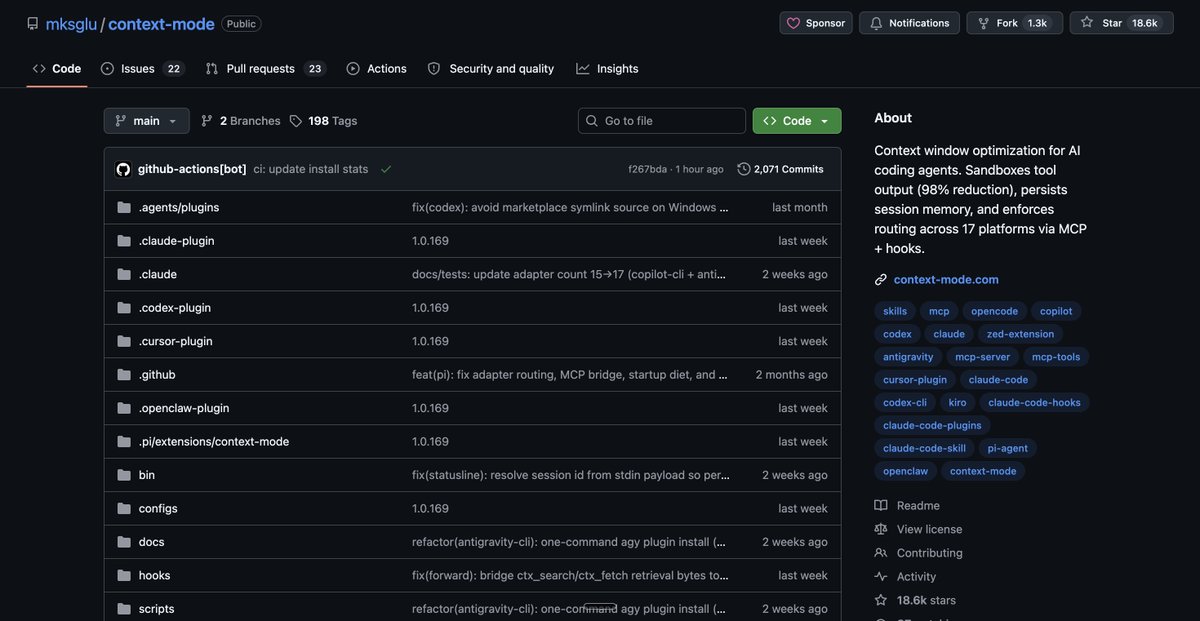
Start here. This is Anthropic's official skill for creating skills.
You describe the job in plain English, like you're explaining it to a coworker. Claude drafts the skill, tests it, iterates, and packages it into something reusable. You never touch the file structure or the formatting rules.
The underrated trick: you don't even need to describe the job. Work through any task in Claude normally, refine the output until it's right, then say "package everything we just did into a skill."
It analyzes the whole conversation and distills it into a reusable process. If you've been using Claude for months, you're sitting on ten skills you already built and never saved.
This one earns no glory on its own. It's the factory that makes everything else.
- Superpowers - a senior engineer's process, forced
247,000 stars on GitHub. The most popular community skill in existence, and it's in Anthropic's official marketplace.
The number one failure mode of Claude Code is rushed code. You ask, it sprints, the output looks fine, and then it falls apart in real use. Superpowers kills that. It forces Claude to brainstorm first, plan second, write tests before code, and review its own work twice: once against the spec, once for quality.
It won't make Claude one-shot everything. What it does is move your first pass from 60% right to 80% right, which means fewer debugging loops and lower token spend on every single build.
→ Repo: github.com/obra/superpowers
- GSD - the fix for context rot
Every Claude Code user knows the wall. The session starts sharp, and halfway through the context window it starts forgetting requirements, skipping steps, and telling you things are done when they're not. That's context rot.
GSD (Get Shit Done) fixes it with context engineering. Instead of one long degrading session, it breaks your project into small tasks and runs each one in a fresh sub-agent with a clean context window. Your main session stays at 30-40% usage while the heavy lifting happens in isolated environments.
It also ships quality gates that catch a planner silently dropping one of your requirements, and an autonomous mode where you hand it a spec and walk away.
The original repo racked up 64,000+ stars before the project moved to its new home this June, where development continues as GSD Core. Install from the new repo, not the archived one.
Honest note: this is not a token saver. Sub-agents cost tokens. What it saves is the hours you spend redoing work Claude broke because it forgot what you asked.
→ Repo: github.com/open-gsd/gsd-core
- Context Mode - stop burning your context window


The numbers on this one are absurd.
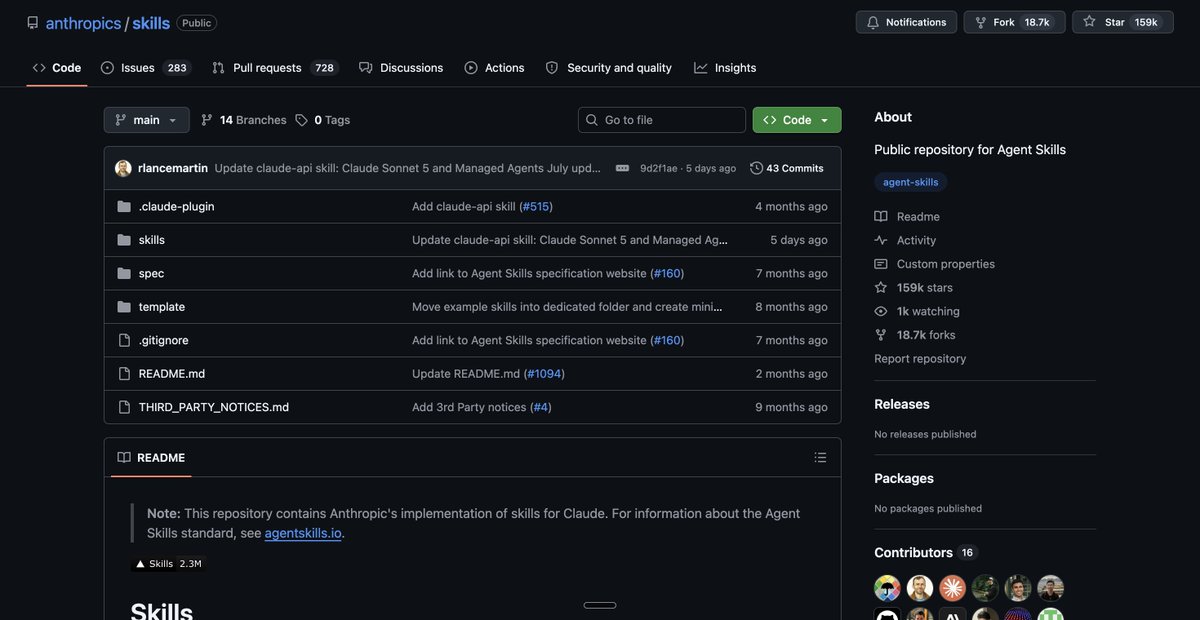
Every tool call dumps raw data into your context. A single Playwright snapshot: 56 KB. Twenty GitHub issues: 59 KB. After 30 minutes of real work, 40% of your window is garbage output you never needed Claude to read.
Context Mode routes tool calls through a sandbox and returns only the part Claude actually needs. Their published benchmarks: a 56 KB snapshot becomes 299 bytes. A full session's 315 KB of raw output becomes about 5 KB. That's a 98% reduction, and sessions that used to fall apart at 30 minutes run for 3 hours.
It also tracks every file edit, task, and decision in a local database, so when Claude compacts the conversation, it rebuilds the state and picks up exactly where it left off.
→ Repo: github.com/mksglu/context-mode (18,000+ stars)
→ Install: /plugin marketplace add mksglu/context-mode, then /plugin install context-mode@context-mode
- Claude Mem - memory across sessions
Context Mode keeps the current session clean. Claude Mem (86,000+ stars) carries knowledge across all your future ones.
It hooks into the session lifecycle and automatically captures what happened: file edits, decisions, bug fixes. Then it compresses everything into a local database with semantic search. Open a new session two weeks later and the relevant context gets injected back in automatically. It even auto-generates and updates folder-level CLAUDE .md files as you work, so your project documentation writes itself.
The repo reports roughly 10x token savings on retrieval versus dumping everything in at session start. And it all runs locally with a web viewer, so you can actually see what Claude remembers about your project.
You stop paying the startup tax. You stop re-explaining. That's the whole pitch.
→ Repo: github.com/thedotmack/claude-mem
- Karpathy Rules - the discipline layer
The smallest thing on this list and one of the highest leverage. It's a single CLAUDE .md file, derived from Andrej Karpathy's observations about how coding agents fail.
Four rules that stop the two behaviors that quietly burn the most hours: over-engineering solutions you didn't ask for, and changing things you never told it to touch. 188,000 stars for a text file. That tells you how universal the pain is.
→ Repo: github.com/multica-ai/andrej-karpathy-skills
- Impeccable - kills the AI-generated look
Your app works and still looks vibe coded. Generic gradients, the same shadcn layout as everyone else, spacing that feels off.

Impeccable (43,000+ stars, the a16z-backed design language) gives Claude actual design taste. It encodes real design principles as a skill, so the UI that comes out stops looking like every other AI build. If you bring a Claude Design project back into Claude Code, this is the skill that keeps the quality from degrading.
For anyone shipping client work, this is the difference between "looks like a demo" and "looks like a product."
→ Repo: github.com/pbakaus/impeccable
- Anthropic Document Skills - real files, not just code
First-party from Anthropic, in the same repo as Skill Creator. These make Claude produce actual .pptx decks, .xlsx spreadsheets, .docx documents, and PDFs. Formatted, editable, right on the first try.
This is the one that moves Claude Code beyond code. Client proposals, project reports, data analysis deliverables. The stuff around the build that still eats your hours.
→ Repo: github.com/anthropics/skills
- /watch - Claude Code can now watch videos
The newest one on the list and the one my audience went crazy for.
/watch (3,600+ stars, MIT) gives Claude the ability to watch any video. YouTube, Loom recordings, Zoom calls, local files. It extracts frames, pulls captions, and falls back to Whisper transcription when captions don't exist.
Practical version: paste a client's Loom walkthrough and get a spec. Paste a YouTube tutorial and have Claude implement the workflow it teaches. Video just became an input format for your coding agent.
→ Repo: github.com/bradautomates/claude-video
- /code-review and /code-review ultra - the ship gate
Nothing to install. These are built into Claude Code and most people have never typed them.
/code-review runs a structured review of your diff right in your terminal. Correctness bugs, plus reuse and simplification cleanups.
Fast, local, costs nothing beyond normal usage. Add --fix and it applies the findings to your working tree. (Don't confuse it with /review, which reviews a GitHub PR by number.)
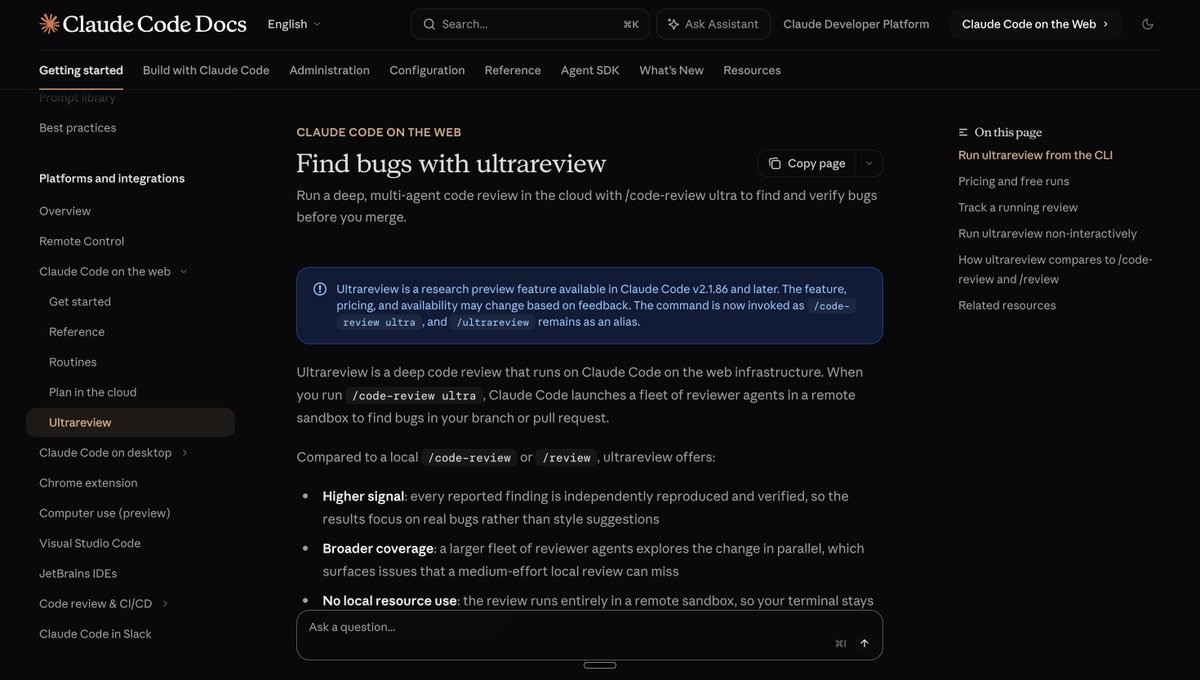
/code-review ultra is the heavy version, also callable as /ultrareview. It uploads your branch to a cloud sandbox and spins up a fleet of reviewer agents in parallel, each attacking your code from a different angle: logic, security, performance, edge cases.
And a bug only reaches your list after it's been independently reproduced and verified. Confirmed bugs, not style nitpicks.


Use /code-review on everything. Save /code-review ultra for the merges that matter: payments, auth, migrations, big refactors.
It needs Claude Code v2.1.86+, a Claude account sign-in, and takes roughly 5-10 minutes in the background.
Pro and Max plans currently get three free runs; after that it's roughly $5-20 per review, so aim it at commits where a production bug costs more than the review.
The Install Order That Makes Sense
Don't install all 10 today. Layer them as the failure modes show up:
→ Day one, any project: Superpowers + Karpathy Rules. Process and discipline first.
→ Same week: Claude Mem, so the project's context starts compounding immediately.
→ When sessions get long: GSD and Context Mode. These two are why my long builds stopped degrading.
→ When UI starts: Impeccable.
→ Before anything ships: /code-review, and /code-review ultra on the commits that matter.
→ Skill Creator, Document Skills, and /watch: the moment the need appears. Each is a two-minute install.
What to Watch Out For
A few honest flags before you go install everything.
The context limit is real. More skills means worse triggering. If a skill hasn't fired in two weeks, uninstall it. Curate like your output depends on it, because it does.
Third-party skills are instructions Claude follows, and a malicious one can tell Claude to send your data somewhere or touch files on your machine. Anthropic's own skills and anything you built yourself are fine. Everything else: read the skill file before you install it. It's markdown. It takes two minutes.
Star counts and install commands move fast in this ecosystem. Every number in this article was verified today, but check the repo README the day you install.
And skills don't fix bad prompts. They fix repeated failure modes. If you can't describe the failure you're fixing, you don't need the skill yet.
What This Actually Means

The gap in AI coding isn't model access anymore. Everyone gets the same model for the same subscription. The gap is configuration.
Two builders, same Claude Code, same plan. One gets an agent that plans like a senior engineer, remembers every project, keeps its context clean for 3-hour sessions, and independently verifies its own bugs before shipping. The other gets a very fast junior who forgets everything every morning.
The difference is 30 minutes of setup and knowing which 10 files to install.
2026 is going to be UNFAIR for builders who move early on this.
TLDR
→ Skill Creator: describe a job in plain English, get a reusable skill. Or say "package this conversation into a skill"
→ Superpowers (247K stars): forces brainstorm, plan, tests, and two-stage review before code ships
→ GSD: kills context rot by running every task in a fresh sub-agent (64K stars on the original repo, now continued as GSD Core)
→ Context Mode (18K stars): 98% less context waste, sessions go from 30 minutes to 3 hours
→ Claude Mem (86K stars): memory across sessions, never re-explain your project again
→ Karpathy Rules (188K stars): four rules that stop over-engineering and unasked changes
→ Impeccable (43K stars): real design taste, kills the vibe-coded look
→ Anthropic Document Skills: real decks, spreadsheets, and docs, first-party
→ /watch: Claude Code watches YouTube, Loom, and Zoom recordings as input
→ /code-review and /code-review ultra: built-in ship gate, a fleet of cloud reviewers that only reports verified bugs
Install the ones that match your failure modes. Skip the 300-skill libraries.
LFG.

Links
Related articles

Google Maps + Claude Code = $2,000 website deals. The complete loop.
Everyone is teaching you how to build a $10,000-looking website with AI. Almost nobody is teaching you the part that pays: who buys it, how you find them, and what you say. The build stopped being th…

How to earn on Claude and GTA 6 in 2026. Everyone can make $8,000/month!
GTA Online ran from 2013 to 2025. Players dropped $8.6 billion inside that game.

Claude + Obsidian = $1M YouTube on Autopilot
Most content creators use AI as a temporary worker with amnesia. Every time they open a new chat to write a script, they waste tokens and time re-explaining their niche, target audience, brand voice,…